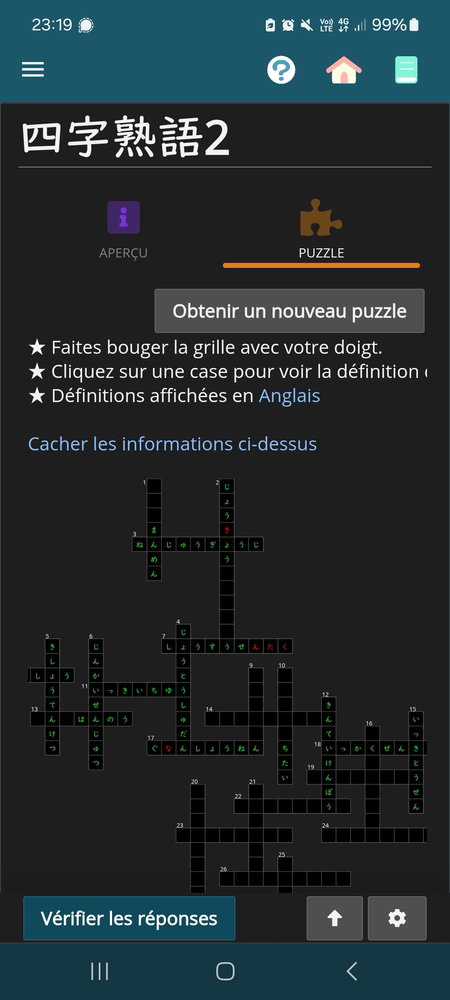
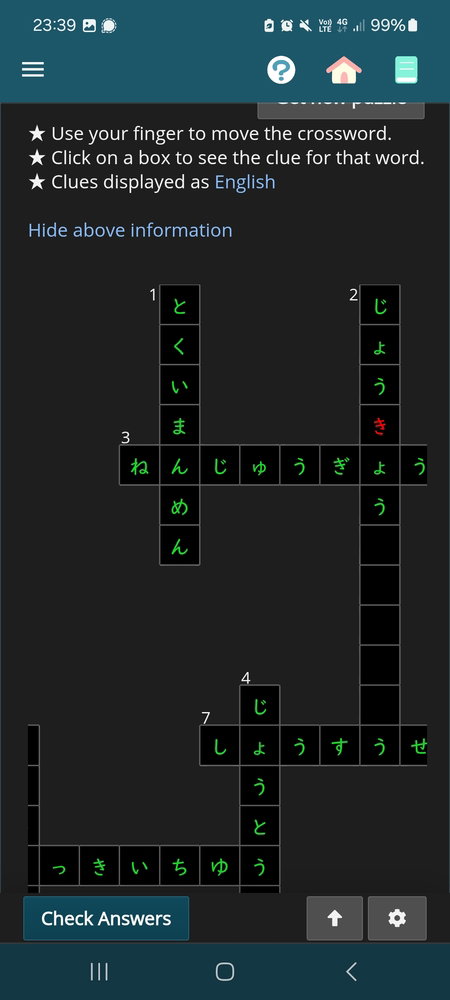
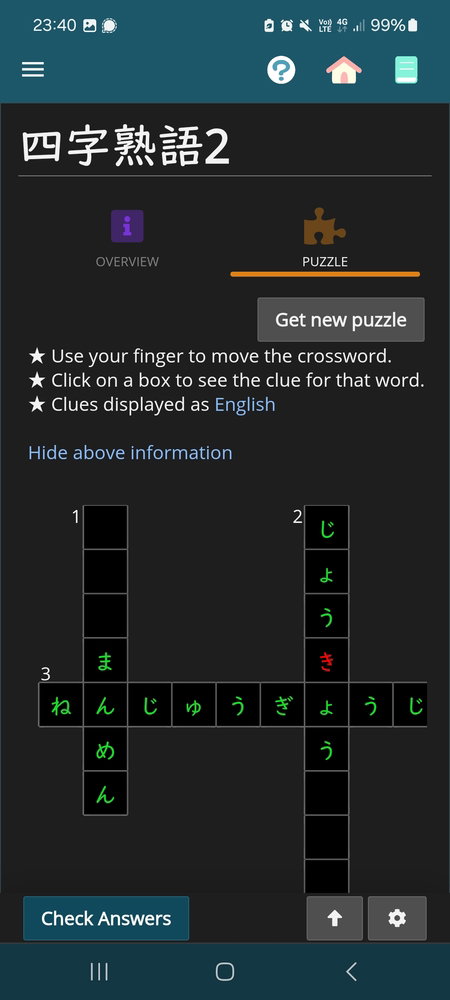
I've been having issues with cross words for a few days now ; I'm sometimes able to see the definitions but I can't click on them to answer, and when I'm able to tap on something, it's my last kanji's cross words list that is trying to fill in itself.
It's been happening in personnalized cross words and from yesterday, it's also happening in regular grids.
I can provide more details if necessary, thanks in advance
I’ve seen crosswords like this before, but it’s been a while, so this bug may have a different cause. I recommend you experiment with different global zoom settings to see if you can’t get it to go away. Also, try rotating your device.
Thanks for your tips : to be precise, I'm having the same issue on my phone and tablet app and on the website. It won't let me select anything (but I can rotate and zoom in / out) beside squares around the middle, that then indicates words and lenghts from my previous kanji crosswords (not the kana one ; I'm only having issues with kana cross words like shown above).
I'm using a Samsung phone A52s and a Samsung tablet S9 FE.
Changing langages (both display and dictionnaries) did work ! Changing back to French messed up a few more crosswords than before, but switching to English again fixed them (in English). 🤔
Thank you for investigating this issue, I'm sorry to bother you. The app is really well-thought and diversified, thank you for all the work you put in it !
It was a secondary issue, that didn't happened all the time during my previous problem with crosswords (and was solved when I changed my settings to English), that I thought was solved at the same time but actually it doesn't seem so.
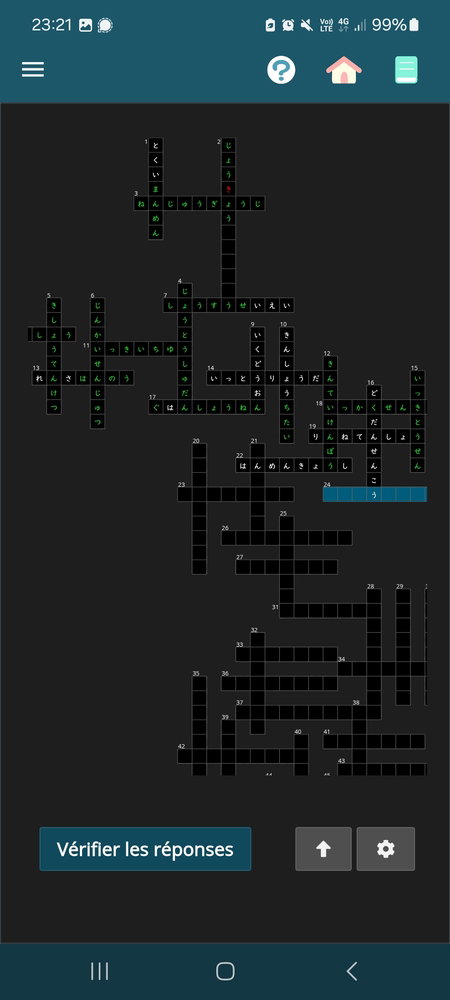
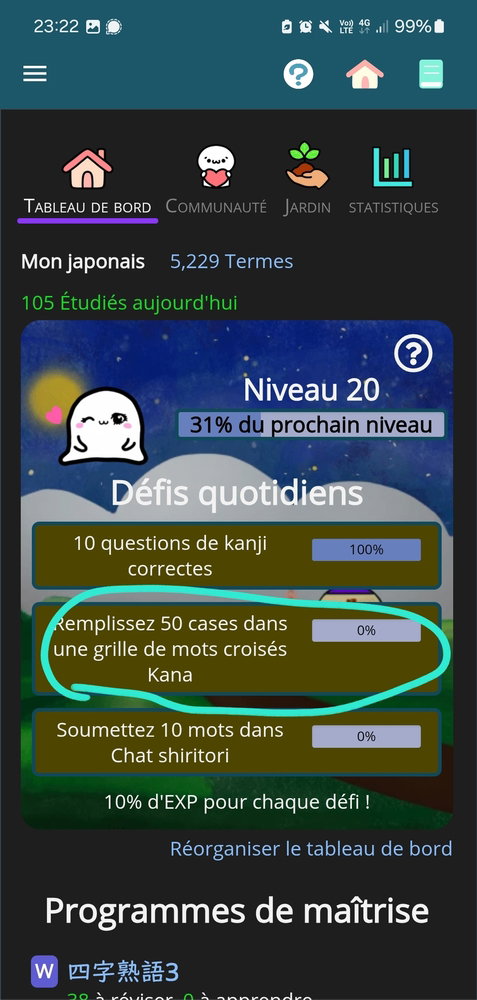
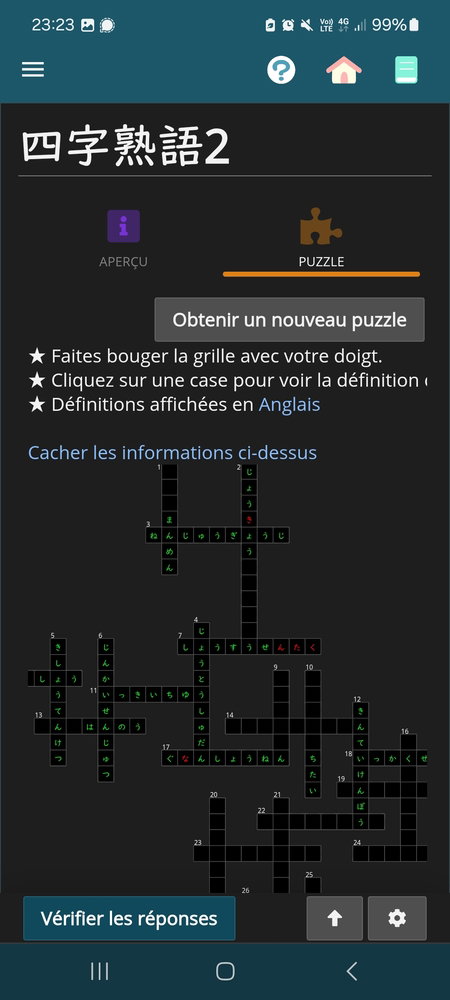
Crosswords generated from a deck (so not monthly ones) seems to not save when I fill them, and it doesn't count for daily challenges. I'm sharing four screenshots with time (upper left), hoping it helps with understanding my problem.
[I took screenshot n°2 too early, I did not forget to save my answers before going back to the dashboard and entering again this crossword]
Switching languages this time doesn't seem to solve it.
I actually managed to get one word saved when trying yet another time, by entering only one word, saving, going out and be back, but it didn't work the three times I tried after that [then it worked for the same one I've been trying, and than no more again.]
Thanks -I suspect it might be tied to specific terms in the crossword puzzle. For that schedule, is there a term that, if you do it one-by-one, will never save (or is it that the same term WILL save after you try a few more times?)
If so, please specify that exact clue/hint, and I'll jump into your account and check it out.
I suspect the challenge issue may be tied to the saving, so let's focus on that one first.
I tried many times horizontal 13. れんさはんのう 14. いっとうりょうだん 19. りんねてんしょう 22. はんめんきょうし and vertical 9. いくどうおん 10. かんしょうちたい 16. どくだんせんこう 21. おんしんふつう and it didn't save, and the ones I managed to get saved on 6 days ago after 5 times were 7. せいえい (the ending, I had already the beginning correct and saved ; not sure to remember if it happened a few minutes apart (I regularly save when playing) or not) and 17. The は (same as above).
Thank you for still keeping in touch about this matter !
I actually tried both : saving after a single entry and saving after multiple entries, and it didn't work either way. (And I think it also did work both ways for the few I could save by chance ?)
1. Went to the 漢字熟語2 schedule, then the crossword.
2. Copied the entire answer れんさはんのう into my clipboard
3. Tapped the first box for 13 across (so, the left-most box)
4. Pasted the answer into the entry field
5. Hit the "Save" button
6. The answer appeared in the crossword.
7. I then left to a different page and returned to the crossword page
8. The answer was still there!
This also happened with 14 across.
Can you try these exact steps and see if the same thing happens for you? If it DOES work this way, let's try and figure out which steps you normally do differently, so we can further drill down on what the issue is.
I tried with vertical 1 and 9 (とくいまんめん & いくどうおん), saving only one word (then quitting and coming back) and multiple words at a time, and it didn't work. I'm trying to figure out which step I might have done differently, but I was on my phone. I'll try tomorrow one the webapp from my tablet and then computer and keep you updated.

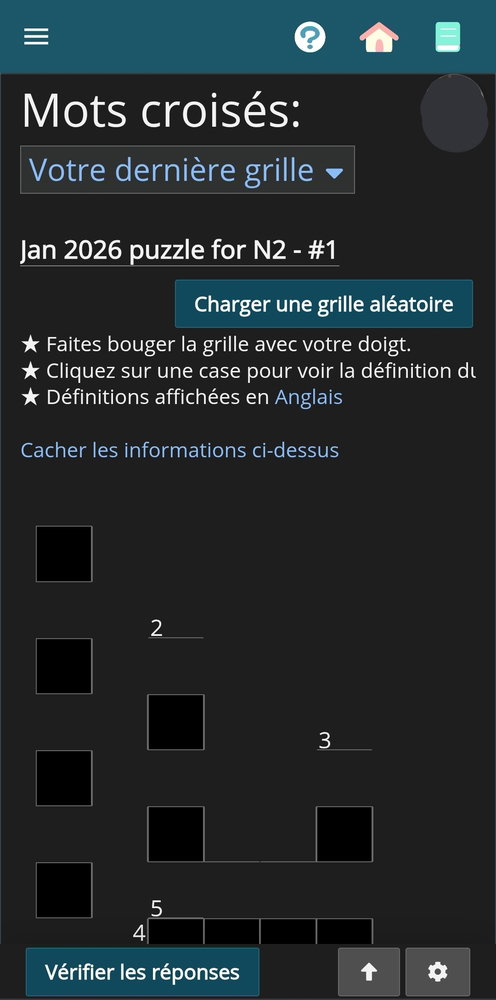


 The app is really well-thought and diversified, thank you for all the work you put in it !