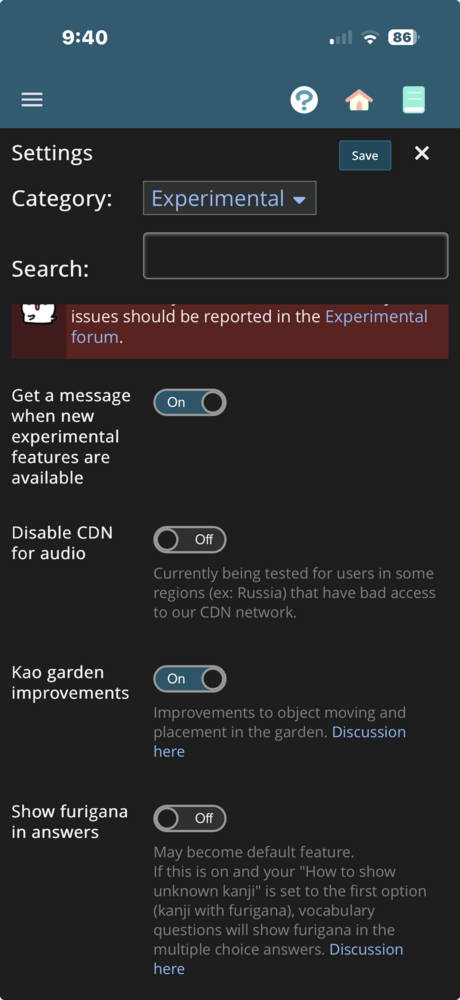
Some "minor" improvements to the garden, but given how much it is used, I'd prefer to run them through some experimental testing first.
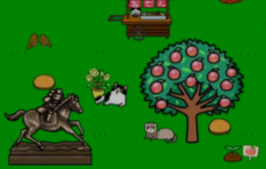
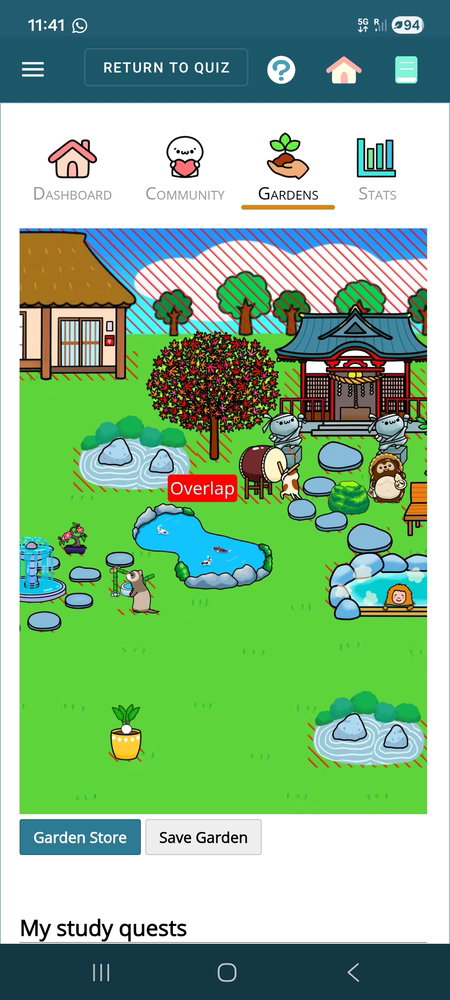
1. (see picture below - sorry for bad quality). Should be easier to grab and more easily move items that are behind other ones. For example, in this picture, although the peach tree is in front of the wood-colored stepping stone, you should be able to move the stone. This does not change the overlap boundaries, at least not yet. However, which this, it may be possible to relax more of the overlapping restrictions. This will be considered as part 2 of this improvement after the above feature is battle tested.
I couldn’t tell the difference. Maybe I’m looking at the wrong thing. I tried placing a hosta close to a sakura and there was no change in the boundary perimeter. Also when it slipped behind the tree, I was still unable to retrieve it from behind the tree.
Jules: I'll need specifics to look into that - a video would be ideal, but screenshots of the items would also help. What device are you using?
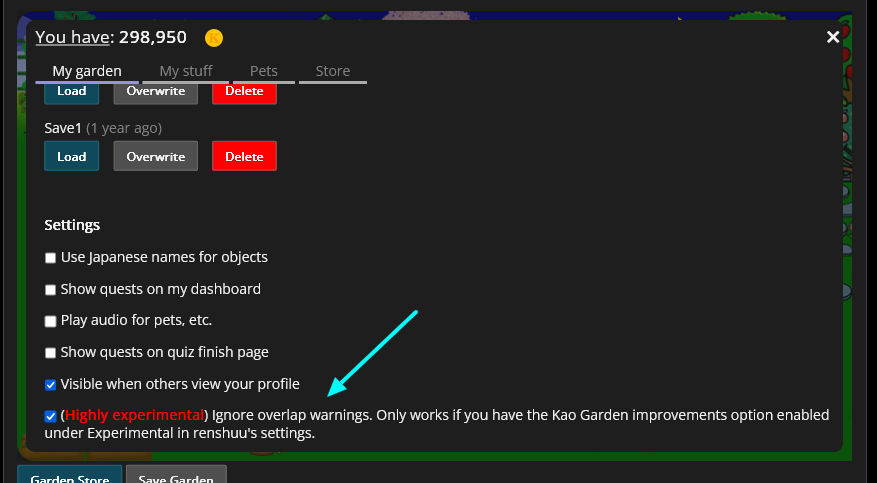
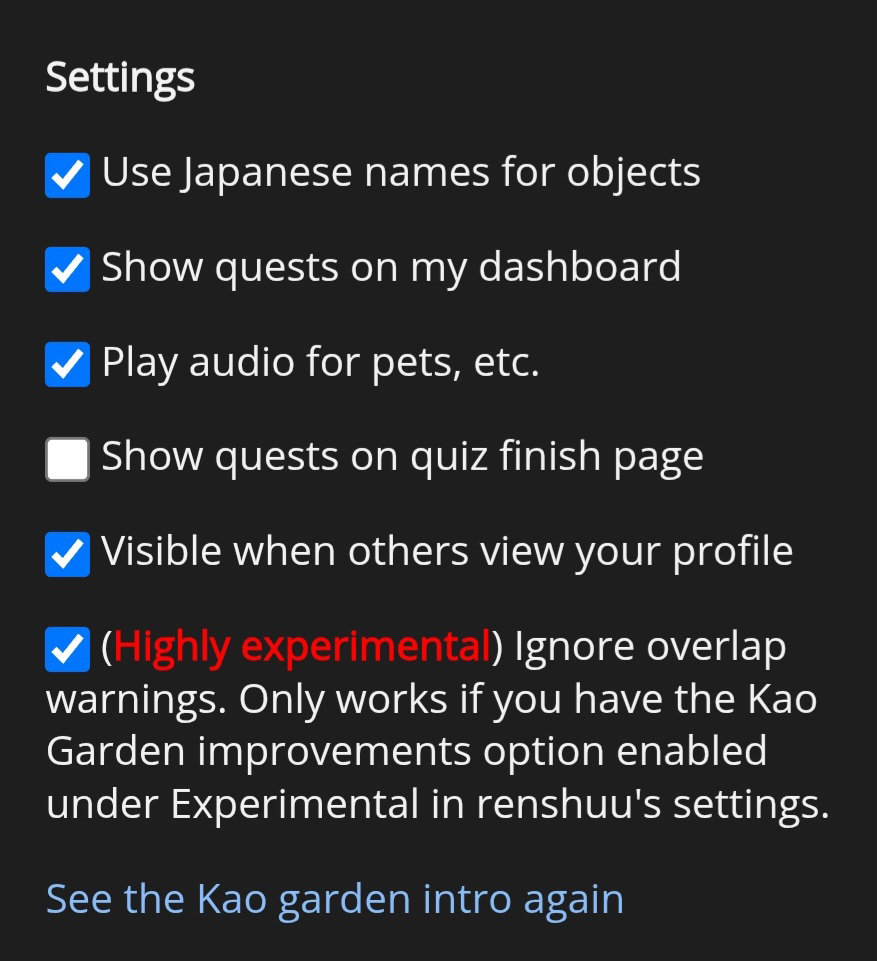
Also, I added "chaos" mode. It should ignore all overlapping, both in movement and in saving. I would strongly recommend using the feature above this setting to save a copy of your garden before testing this, as an error could cause objects to vanish from your garden (and return to your inventory).
I recorded the screen, but I don’t know how to post videos here. I’m using an iPhone 17. I selected chaos mode, but I don’t notice a change. I also enabled it in settings.
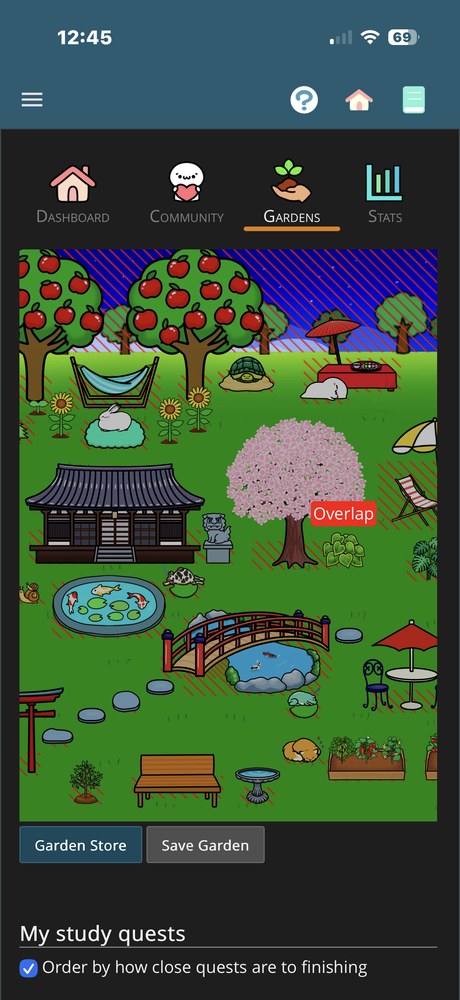
I don’t know how helpful this picture will be. But, you can see the hosta overlapping the cherry tree, and it kicks it back to its original location. So I still can’t the hosta close to the tree. And, it also still drops behind the tree, if it overlaps higher up. Once it drops behind the tree, the only way to retrieve it is to remove the tree from the screen.
Ok, thanks. I am about to go on a family trip, so I won't be able to dive into this for awhile. For others reading this, is anyone else on iOS and having failure or success with using the new features?
Not on IOS, but when not having the chaos mode on, and I move an item, the overlap place stays where it is. (In the picture I moved a bridge, but the overlap is still there when moving the pond to the place where the bridge used to be)
Actually, I take that back (I misread your comment). By any chance, could I get a video of that? Cannot reproduce it yet.
Also, did this happen right after chaos mode was changed? As in, if you close/open the app, then return to the garden, does it still happen? I'm curious as to if something is not working *right* after changing chaos mode.
Jules.33 - do you have any other devices you can test to see if it works on there? Alternately, if you load up renshuu via safari (renshuu.org), how does it look for you?
マイコー - I do not have another device to try it on, but I did try it on Safari, and the same thing occur occurs. Items fall behind trees (and the hill) and cannot be retrieved without removing the tree from the garden or moving it to an open space. Also, when you add a new item to the garden, they often show up on the screen on top of other items, like trees or buildings. And if you try to grab them to place them where you want, they often slip behind the tree or building. So in other words, before you even touch the new item, it often shows up on the screen in a problematic place, and then you have to either remove the top item, or exit out without saving, and try again. Since the update I haven't noticed a difference in the overlap boundaries or in the ability to retrieve items that fall behind other items.
I'm really sorry you are running into these issues - I have not been able to replicate any of them, making them really hard to weed out. Of course, I'm not giving up, it's just frustrating.
With regards to the second issue (dropping new items in), do you see the same problematic behavior even if you turn off the garden improvements in the experimental panel?