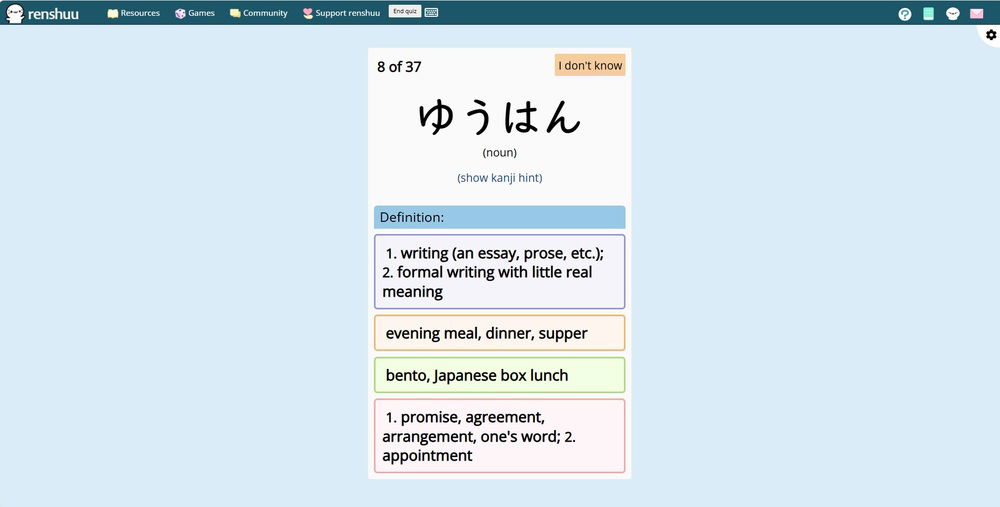
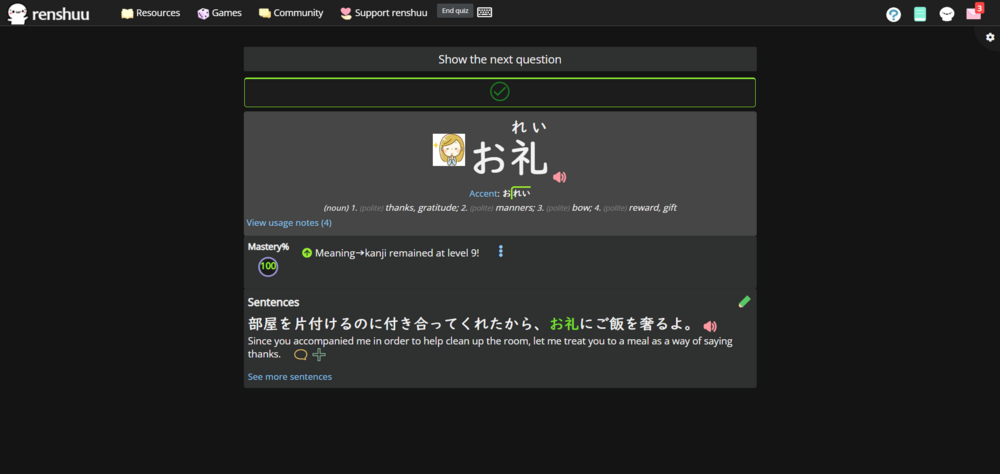
I have fiddled with the "Global zoom" for the site, and the quiz size settings and can't quite find a way to use the rest of my screen real estate. It's a nitpick, and I can still study effectively, but it does bother me, any help would be appreciated!
in console u can type like document.getElementById('quiz_qabox').style.width = '1000px'; or whatever u want to change size. can put that into other type css styling extension like i cant get hashtag to work lol but hashtag before quiz_qabox {width: 1000px !important; } that u have so u dont need to do it every time but for now u can just do it that way. i was thinking about this earlier too tho and i think having just a "wide" setting or just user-adjustable slider would be nice in options (either as absolute px or % of browser width so like can drag it to 80% current window width that only on desktop user agent leave mobile unchanged)
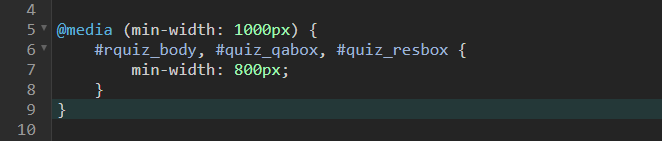
Yeah, if you know what you're doing, you can use something like Stylus and a few lines of CSS. Here's a very quick example:
CSS:
PS: There are plans for user made Mods in the future, so we can make something a bit more sophisticated at some point :D
You'd also need to adjust the layout a bit to make use of the additional space. An official setting would also be nice, of course.
Edit: Let me actually check if there are any settings, I jumped the gun a bit XD
Update: No, I don't see anything.
This worked absolutely perfect, thank you very much. I feel refreshed now haha.
Also, in case anyone else is new to editing CSS, like I was:
- Install Stylish like mentioned above (browser extension) -Click the Stylish icon - Click "Write style for: renshuu.org" - and then simply type in the CSS from the above post.
Once again, thank you both for the help and hope this helps others down the line!